Why is my LG washer not draining?
LG washers use sensor-monitored drain and throw OE error code for drain failures. When an LG stops draining, the cause is typically:
- OE error code: drain timeout detected
- Drain pump filter clogged (front-load: the #1 LG drain issue, easy DIY fix)
- Drain pump impeller jammed with debris
- Drain hose kinked or improperly installed
- Door lock failure (front-load)
- Smart Diagnosis dE / dE1 / dE2 door issues
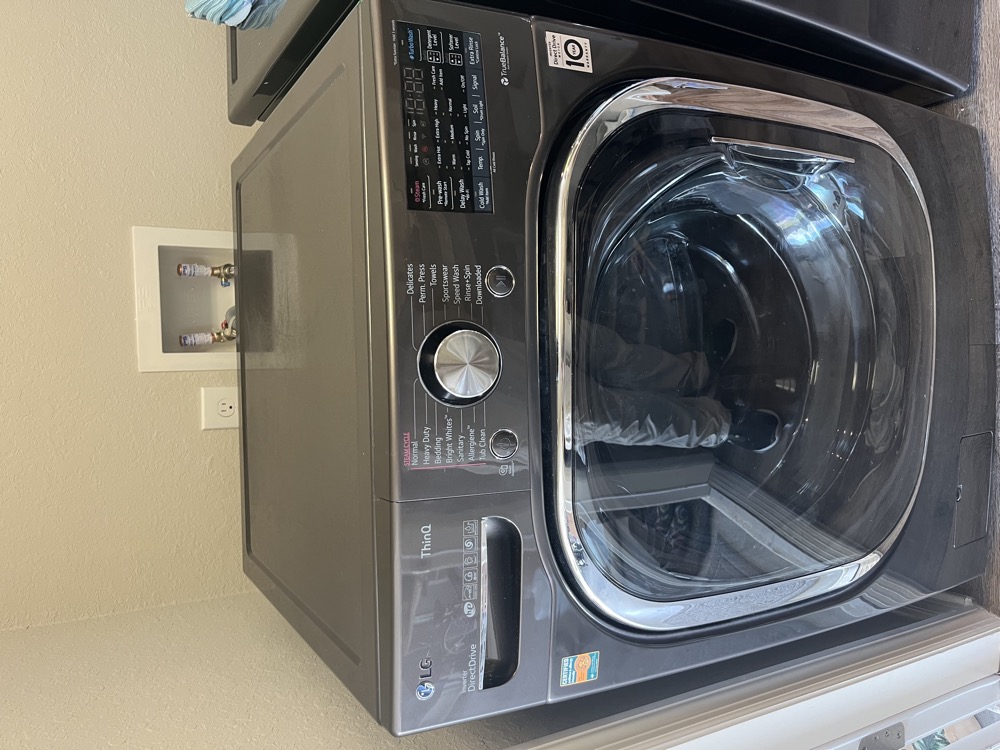
LG front-load washers: especially the WM3500, WM4000, WM5500 series: are extremely prone to drain pump filter clogs. Most LG "failed pump" calls are actually clogged filters.
Type the model number from the sticker inside the door frame or under the lid (e.g. WM4000HWA or 796.41262610) — front- and top-load LGs drain differently, and Kenmore Elite is often an LG in disguise.
Works offline in your browser — nothing is sent anywhere. Can't find the sticker? Text a photo to (813) 522-0014.
LG washer drain error codes and patterns
OE: Drain timeout
LG's general drain error. Water level sensor didn't detect water dropping within expected time, washer aborted and threw OE. Causes: filter clog (most common), kinked hose, jammed pump, motor failure.
FE: Overflow
LG detected water level too high. Often follows from a failed drain that backed water up.
dE / dE1 / dE2: Door issues
Door lock or sensor issues. Not strictly drain errors but prevent drain cycle from running. Front-load washers won't drain if door lock seems open.
UE: Unbalanced
Unbalanced load aborted spin. Not directly drain but disrupts drain completion.
LG Smart Diagnosis via ThinQ
LG washers connected to ThinQ run remote diagnosis identifying specific failure. Worth checking before pulling unit.
Drain pump filter: LG signature issue
LG front-load drain pump filters are notorious for clogging in Tampa Bay where pet hair, lint, and small items accumulate. The filter is behind a small access panel at the bottom front. Cleaning is a 10-minute DIY fix but most LG owners don't know it exists.
How to fix an LG washer not draining
- Note error code on the display. OE, FE, dE, UE.
- Run Smart Diagnosis via ThinQ. If connected, identifies failure remotely.
- Towel out standing water.
- Clean the drain pump filter (front-load: #1 LG fix). Bottom front access panel. Twist filter counterclockwise: have a shallow pan for water. Clean lint, hair, coins. Reinstall.
- Check drain hose for kinks. Pull washer forward, straighten.
- Power cycle. Trip the breaker for 5 minutes.
- Force drain cycle. Select Spin/Drain only.
When to call an LG repair tech
LG washer drain work in Tampa sorts into three levels. A drain pump is a one-part job behind the front access panel, and the machine stays where it stands. A door lock is a small mechanical part with a wiring plug, also quick. A control board is the top of the three, because the board itself is the expensive piece rather than the labor. LG parts ship in 3 to 5 days, and you get the number for the finished job in writing before we start.
For broader LG service, see LG appliance repair Tampa. For generic guide, see washing machine not draining.
From the service truck
You are not alone: how many households search this every month
Search data: Ubersuggest, national monthly volume, last 12 months. Steady all year — the OE code follows lint and pet hair, not weather. A filter cleaned every couple of months keeps your household out of this statistic entirely.
What the Repair Community Says
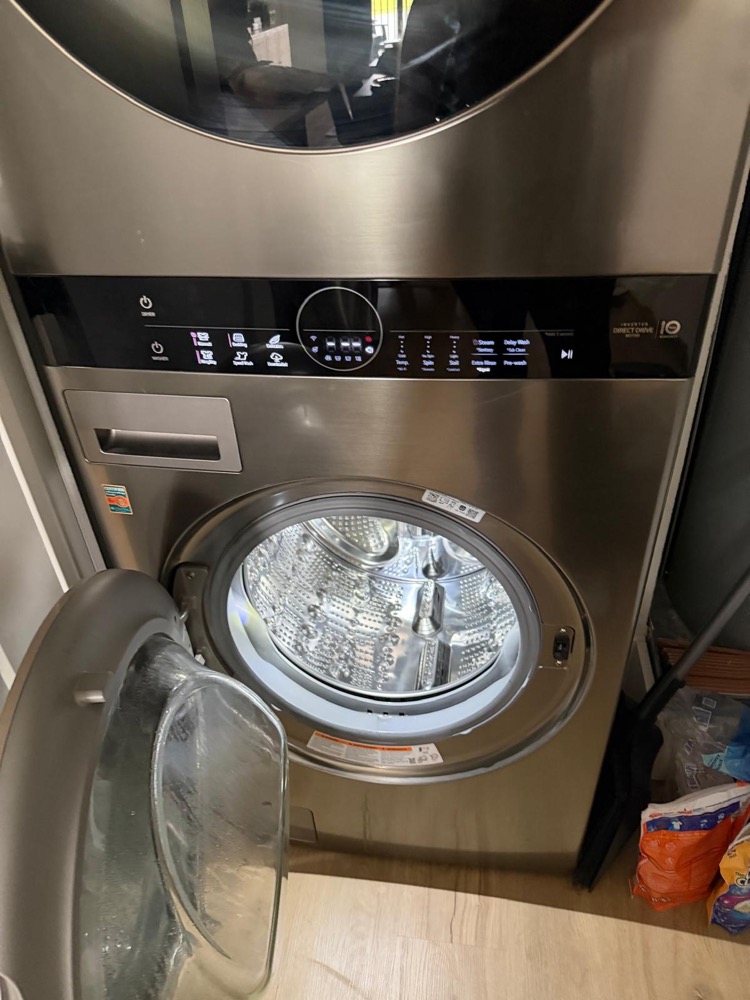
In the LG threads on Reddit's appliance-repair communities, OE is practically a rite of passage, and the top reply is always the same photo: a drain filter caked into a felt cylinder of lint, hair and a bobby pin or two. The community consensus is blunt — on an LG front-loader, OE means the filter until the filter has been cleaned, and only then does anyone talk about the pump. Two more lessons from those threads earn their place here. First, the drain test the techs recommend: with the filter out, a flashlight shows the pump impeller — it should turn with light finger pressure; grinding or a frozen wheel means debris got past the filter into the pump. Second, the maintenance rhythm — every couple of months in a household with pets, kids' sports laundry or well water, which describes half of Tampa Bay. The threads also back what we tell TwinWash owners: the SideKick pedestal is its own small washer with its own drain path, and it throws its own codes when lint builds up. Filter first, pump second, board last — the thread order and our order are the same.
LG Washer Drain FAQ
What does the OE code mean on an LG washer?
Drain timeout — the water level didn't drop in the expected window. On front-loaders it's the drain pump filter until proven otherwise; on top-loaders check the hose and pump. Clean the filter, run a Spin/Drain-only cycle, and OE usually clears for good.
Where is the drain filter on an LG washer and how often should I clean it?
Front-loaders: behind the small access door at the bottom left — twist the cap counterclockwise with towels down, and use the little drain tube beside it first. Clean it every one to three months; more often with pets or well water. LG top-loaders don't have a user filter.
The door is locked with water inside — how do I open it?
Don't force the latch. Drain the machine first: the emergency drain tube next to the filter empties it by gravity into a shallow pan. Once the water is out, the door releases normally, and you can clean the filter in the same sitting.
What does an LG washer drain repair cost in Tampa?
A filter clog costs you the $69 diagnostic at most — and that's applied to any repair you approve. A drain pump is a one-part job behind the front panel; a door lock is a small part; a control board is the expensive exception. Written price before any work starts, 90-day labor warranty after.
Related services
Book same-day service or read more about the exact repair:
Call or text (813) 522-0014 or book online — Perfect Appliance Repair Tampa covers Tampa, South Tampa, Wesley Chapel, Zephyrhills, Dade City, and surrounding Tampa Bay.
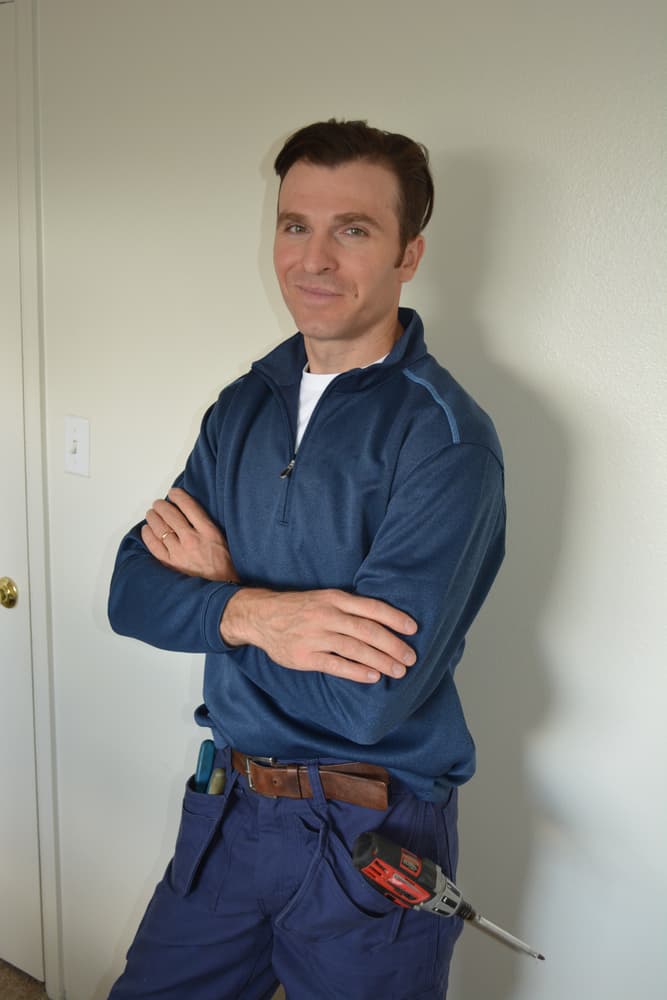
Anatoli Didenco is the owner-technician of Perfect Appliance Repair Tampa, with 20+ years of hands-on technical experience in refrigeration and appliance repair across Hillsborough, Pinellas, and Pasco Counties. He specializes in refrigerators — particularly Sub-Zero, Wolf, and premium built-in systems — and sealed-system and compressor work. He personally answers the phone and shows up at the door. Read more on the About page.
Perfect Appliance Repair Tampa serves Tampa, South Tampa, Wesley Chapel, Zephyrhills, Dade City, and the surrounding Tampa Bay area. Reviews are available on the company’s Google Business Profile and BBB listing.
We Stand Behind Our Work.